 ThokDukaan
Get started
Pick your language, sign in with your mobile number and set up your business in four short steps.
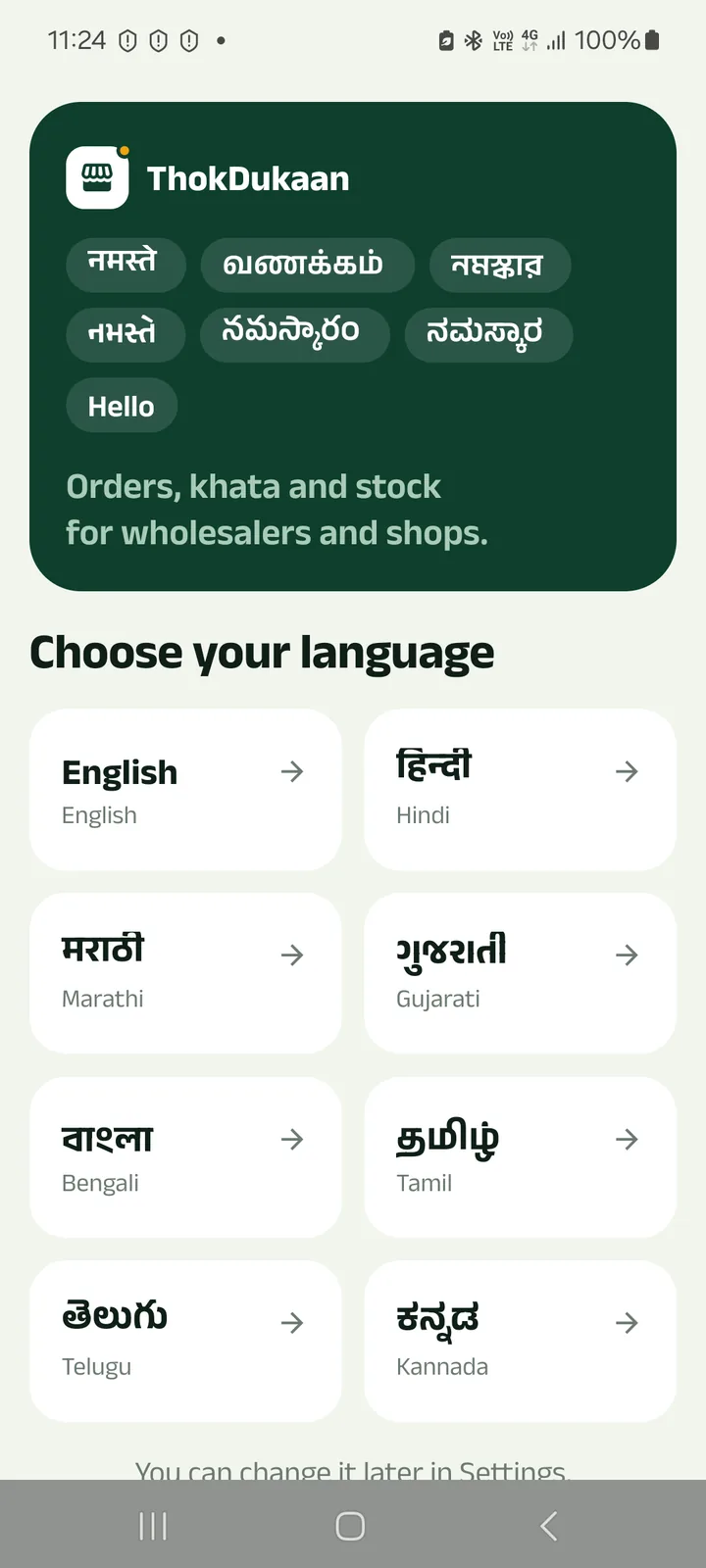
Step 1: Choose your language
Eight languages, each written in its own script. You can change it later in Settings.
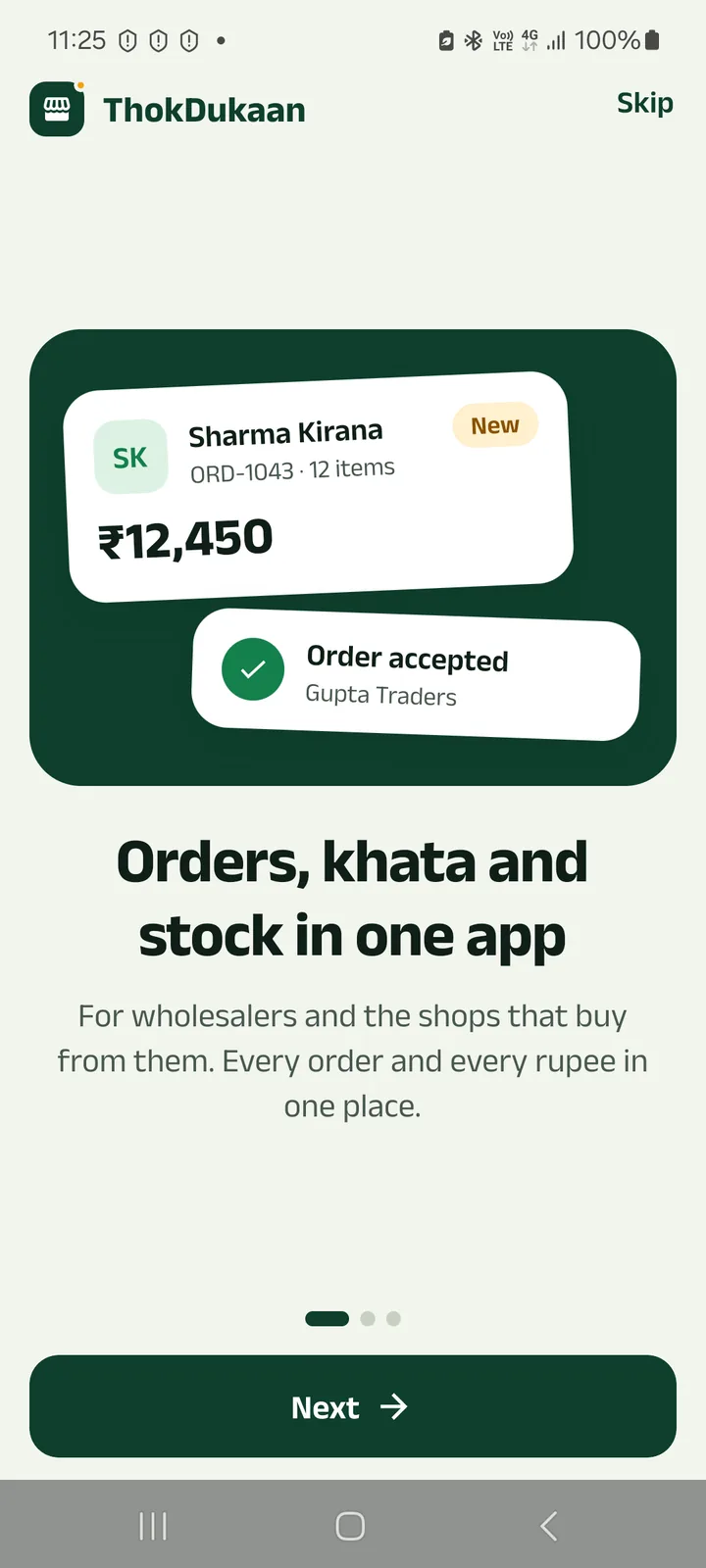
Step 2: See what the app does
Three short slides. Tap Next, or Skip if you are in a hurry.
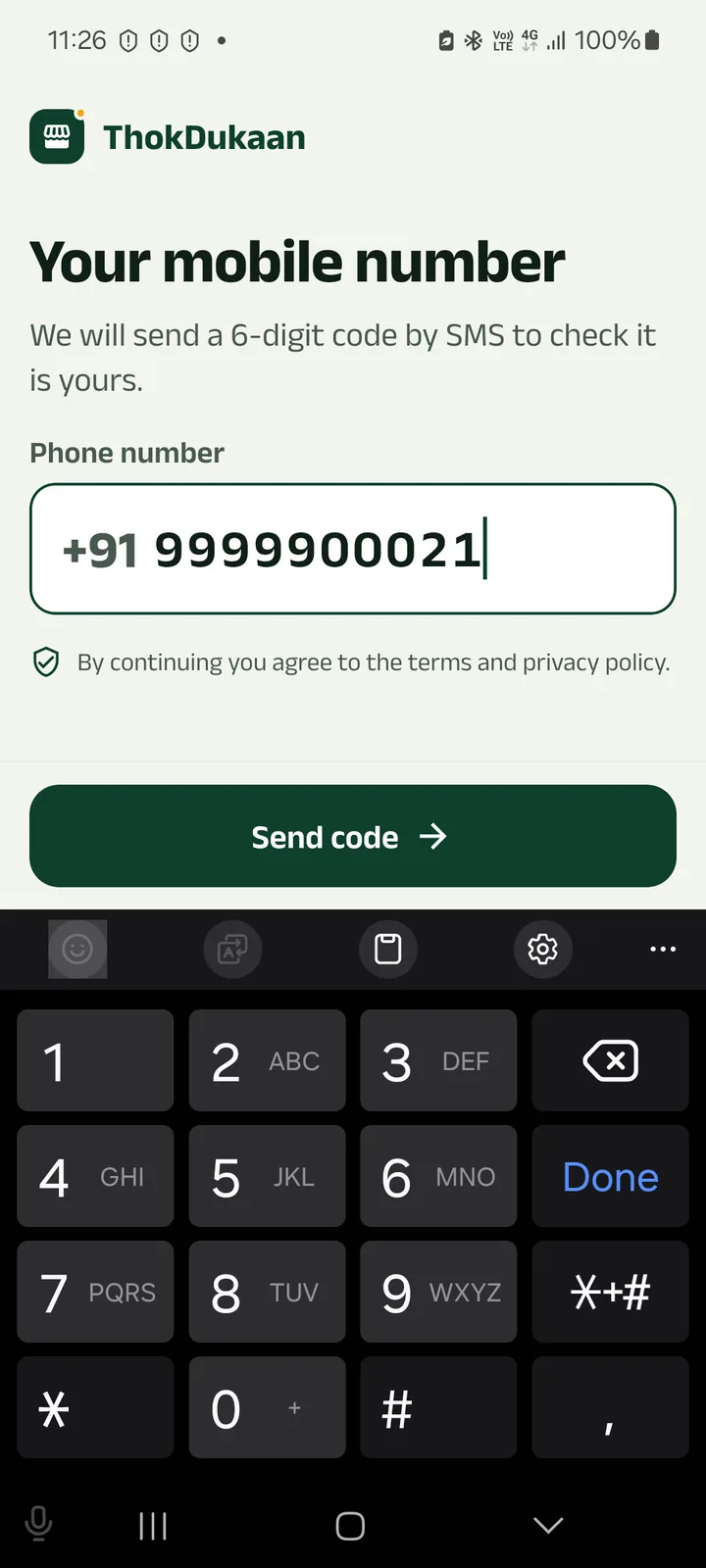
Step 3: Enter your mobile number
Type your 10-digit number (pasting it with +91 or 0 works too) and tap Send code.
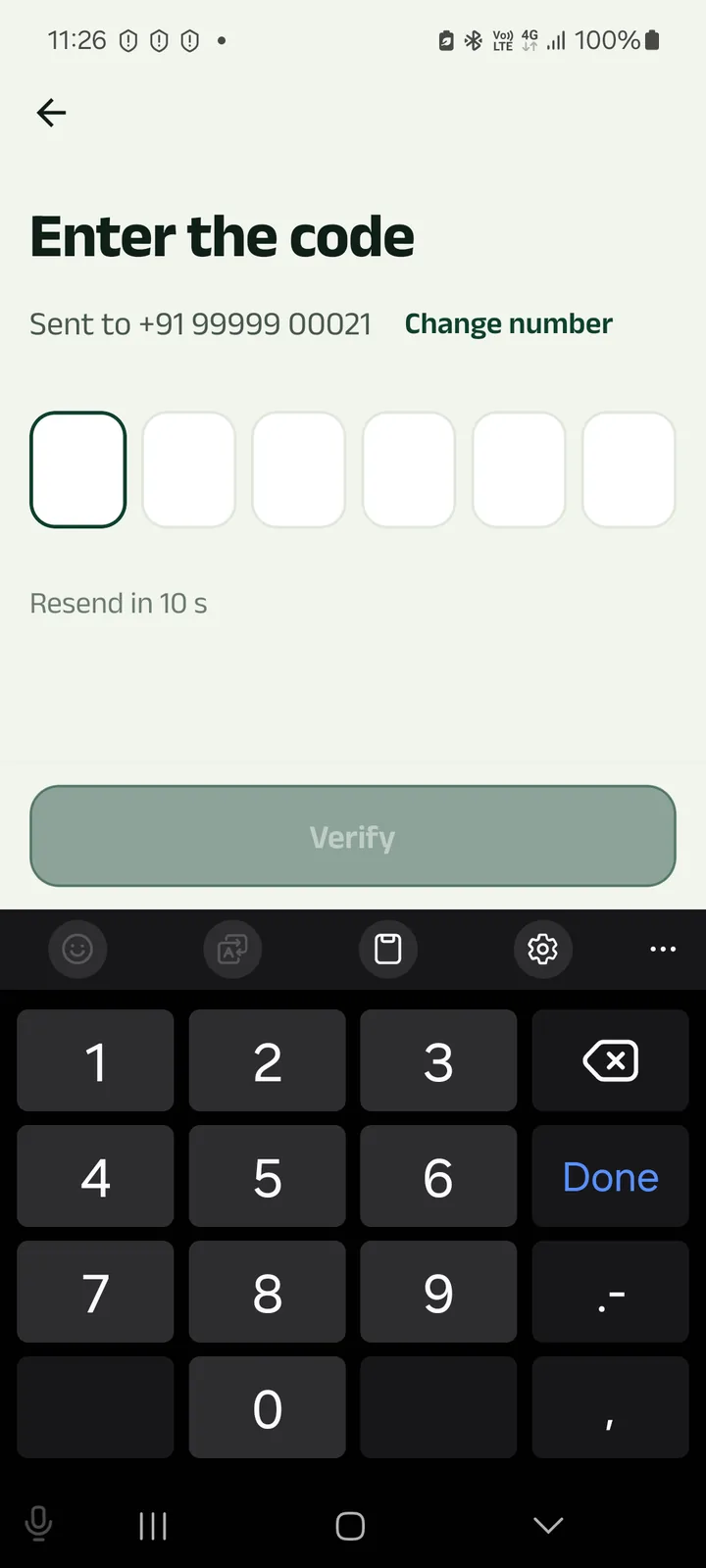
Step 4: Type the 6-digit code
It comes by SMS. The app checks it as soon as you type the sixth digit.
Step 5: Set up your business
Your name, then whether you own a business or work for one. Owners say what the business does (wholesale or shop), its name and place, and, if they like, GST and UPI details.
Staff choose “I work for a business” and type the staff code the owner gave them.
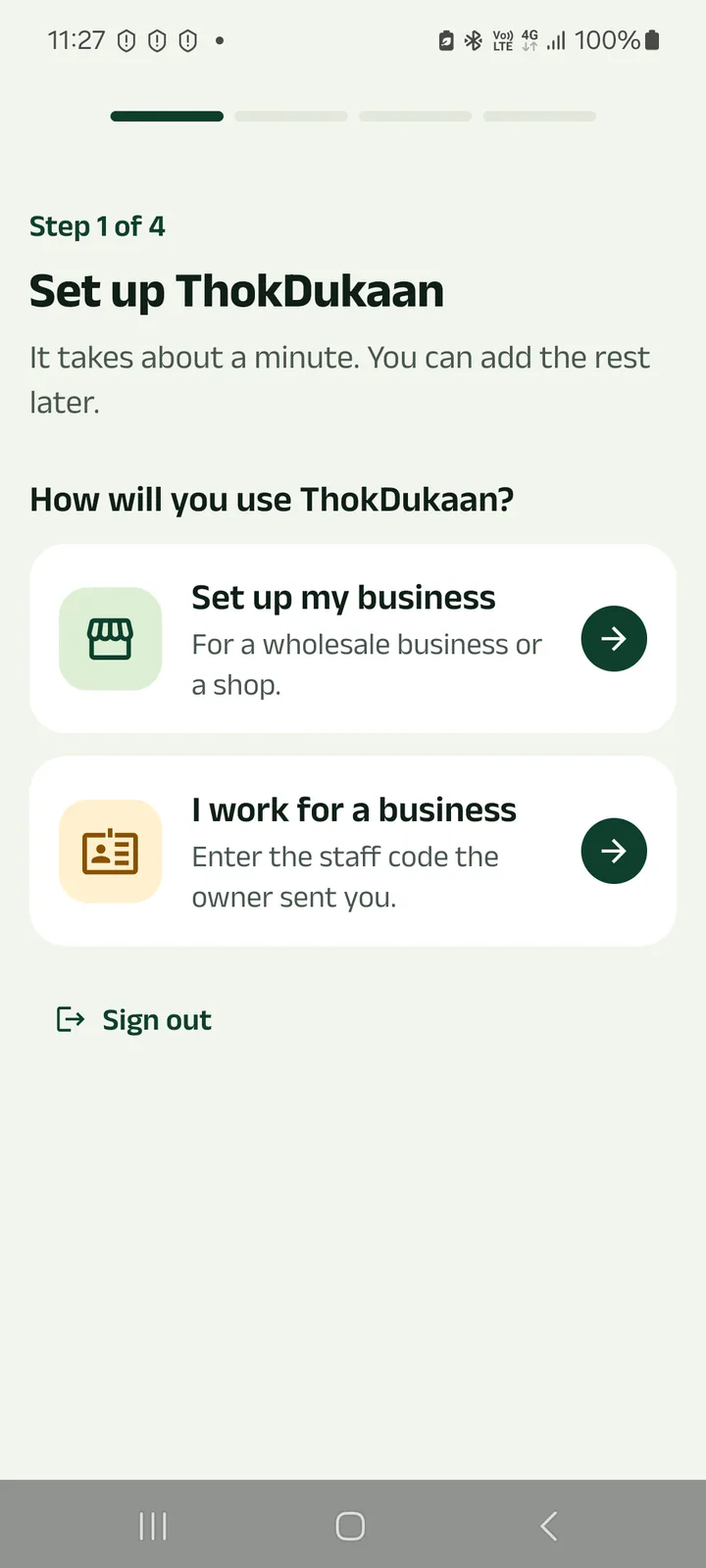
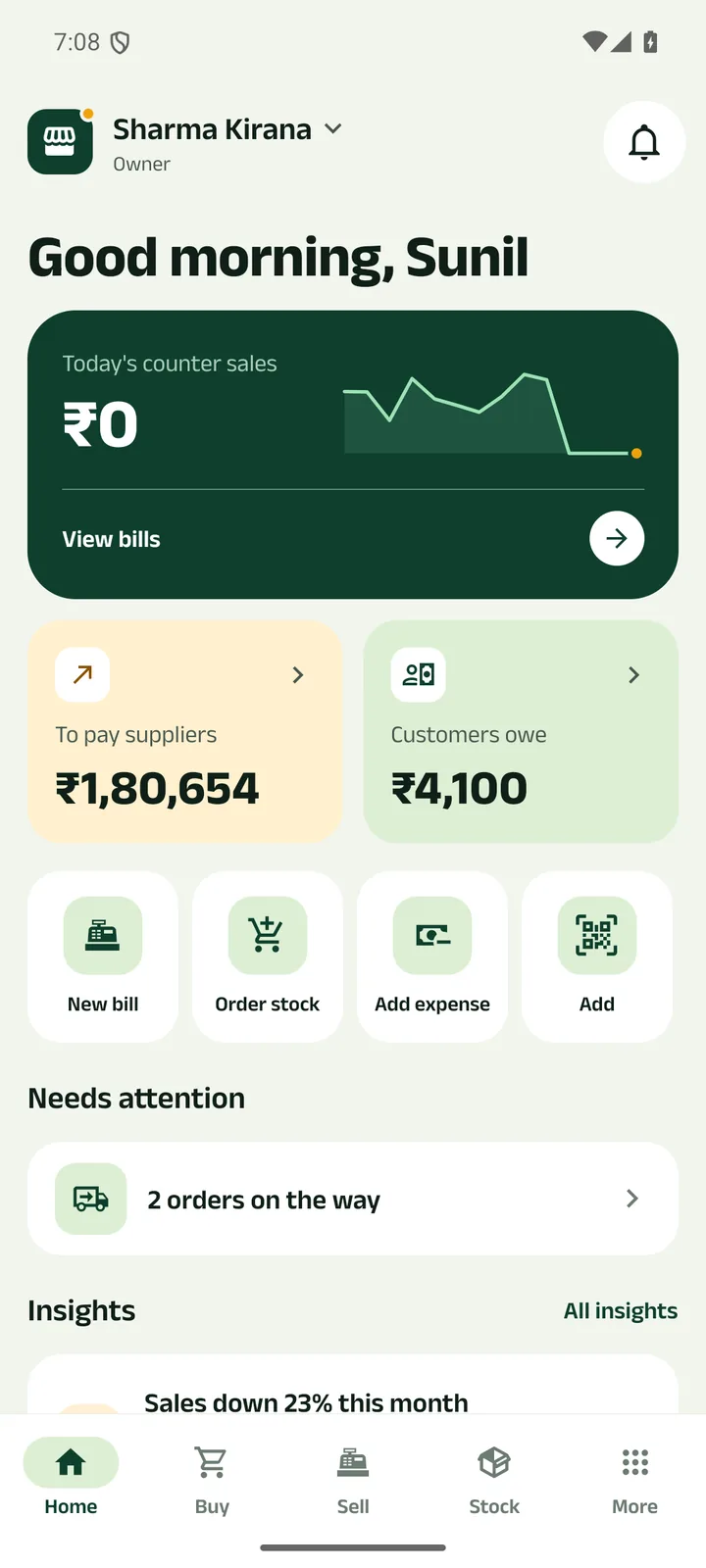
Step 6: You are on Home
The app asks once for the permissions it can use (each one optional), then Home shows Get started: add your first product, then your first customer or party.
Next tutorials
Add a product
Add a product with its name in your language, a category, GST, opening stock and a low-stock alert.
Make a counter bill and print the receipt
Bill at the counter, take cash, UPI or credit, and print a 58 or 80 mm receipt or share it.
Record a payment
Got cash, a cheque, UPI or a bank transfer from a party? Record it and the shared khata updates.
Try it in the app
Everything above works the same on your phone.