 ThokDukaan
Make a counter bill and print the receipt
Bill at the counter, take cash, UPI or credit, and print a 58 or 80 mm receipt or share it.
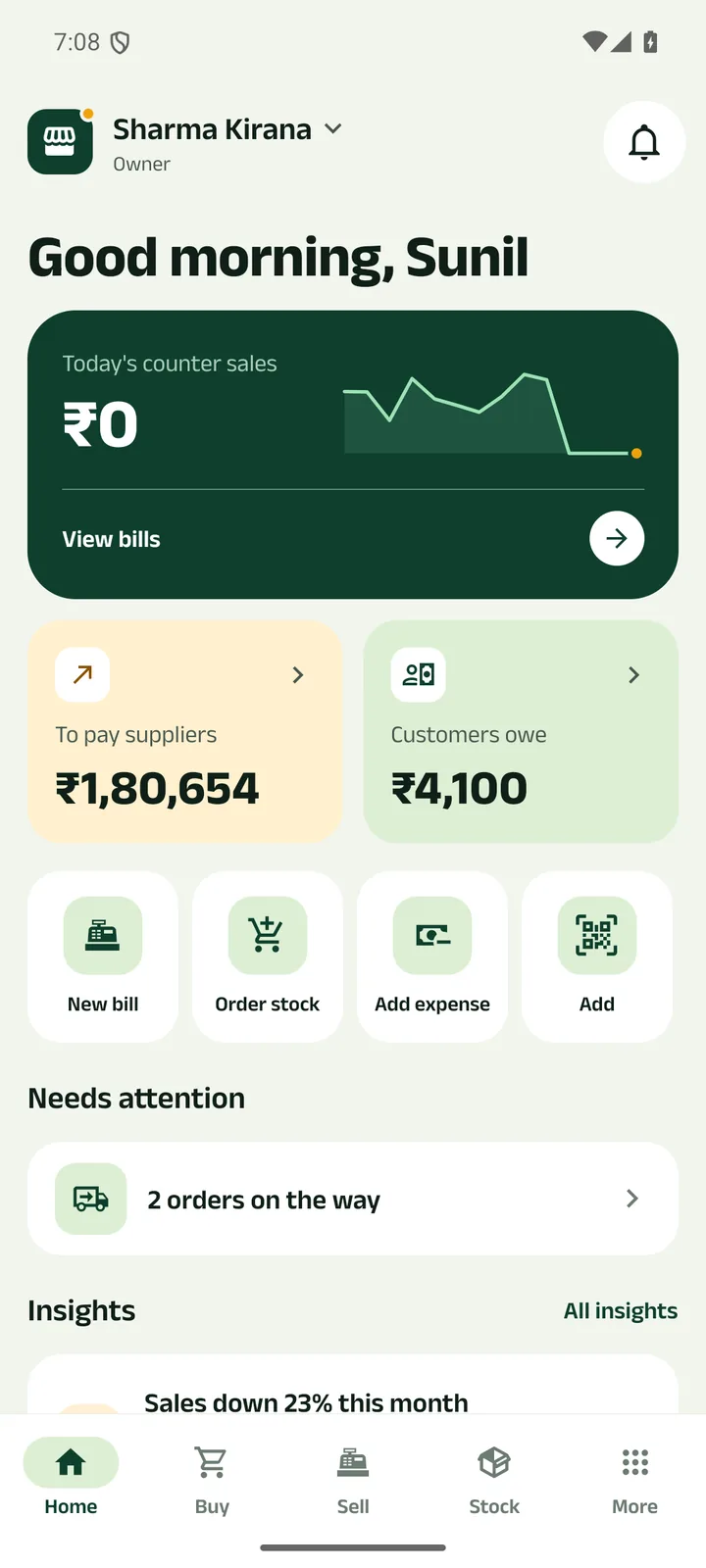
Step 1: Open Sell
Tap Sell in the tab bar, or New bill on Home.
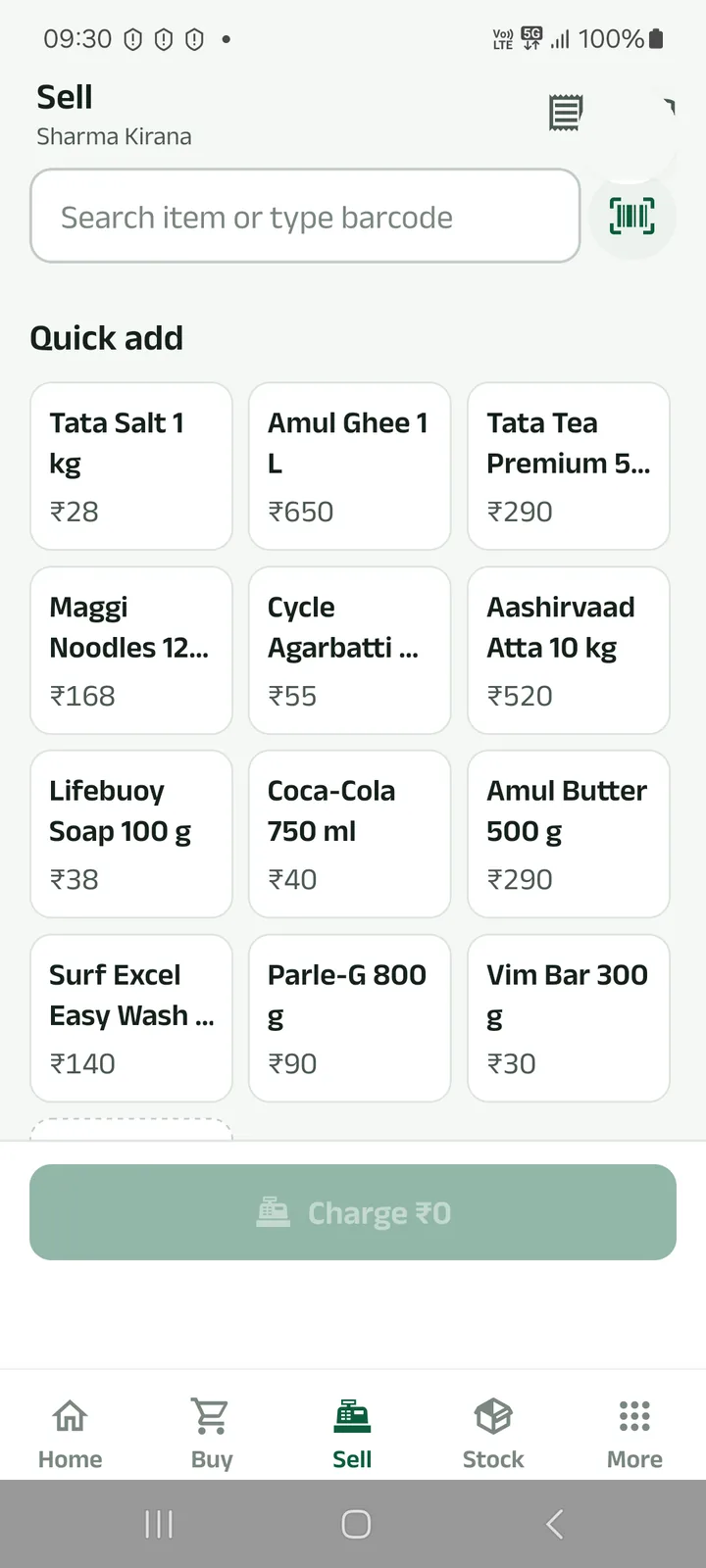
Step 2: Add the items
Tap a quick-add tile, search by name, or scan barcodes: the camera stays open for item after item.
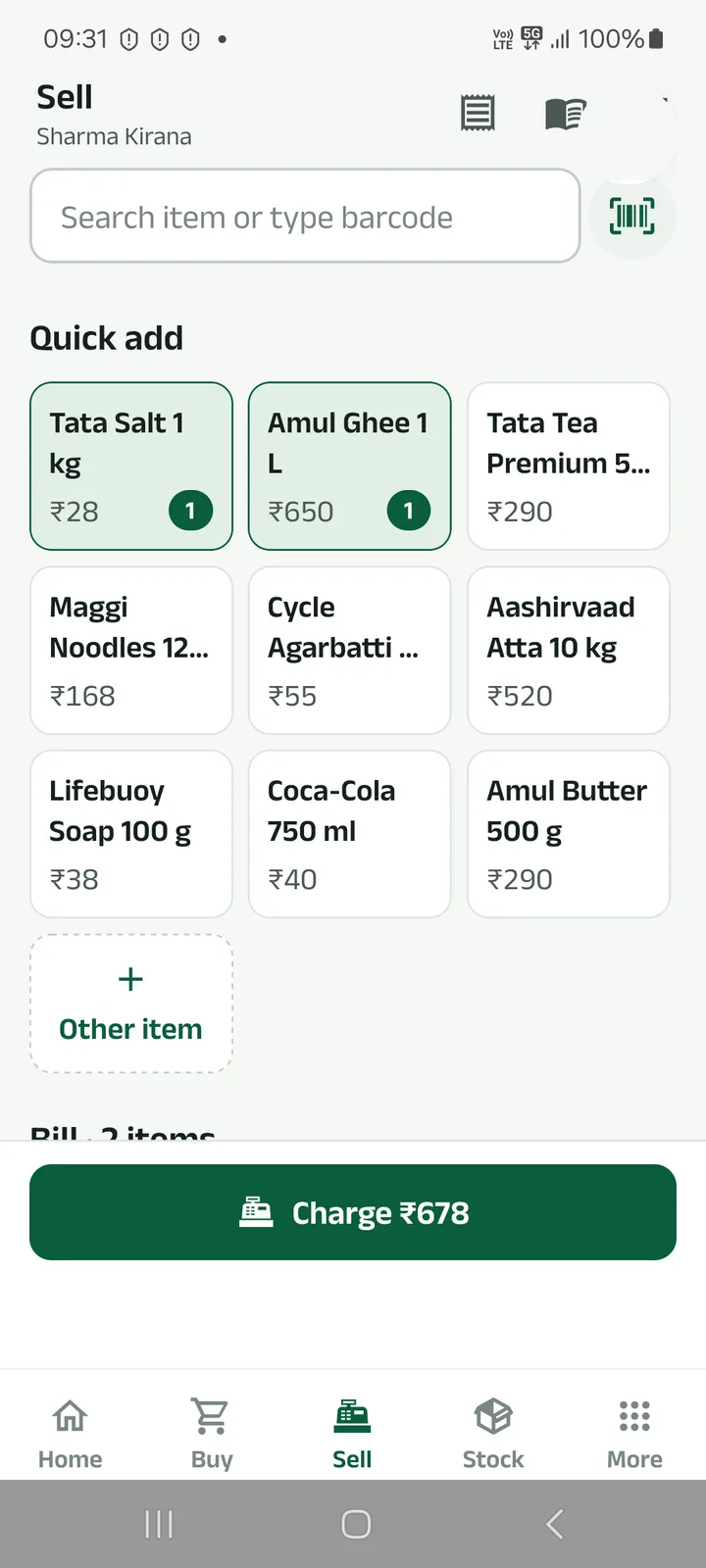
Step 3: Tap Charge
The button shows the bill total.
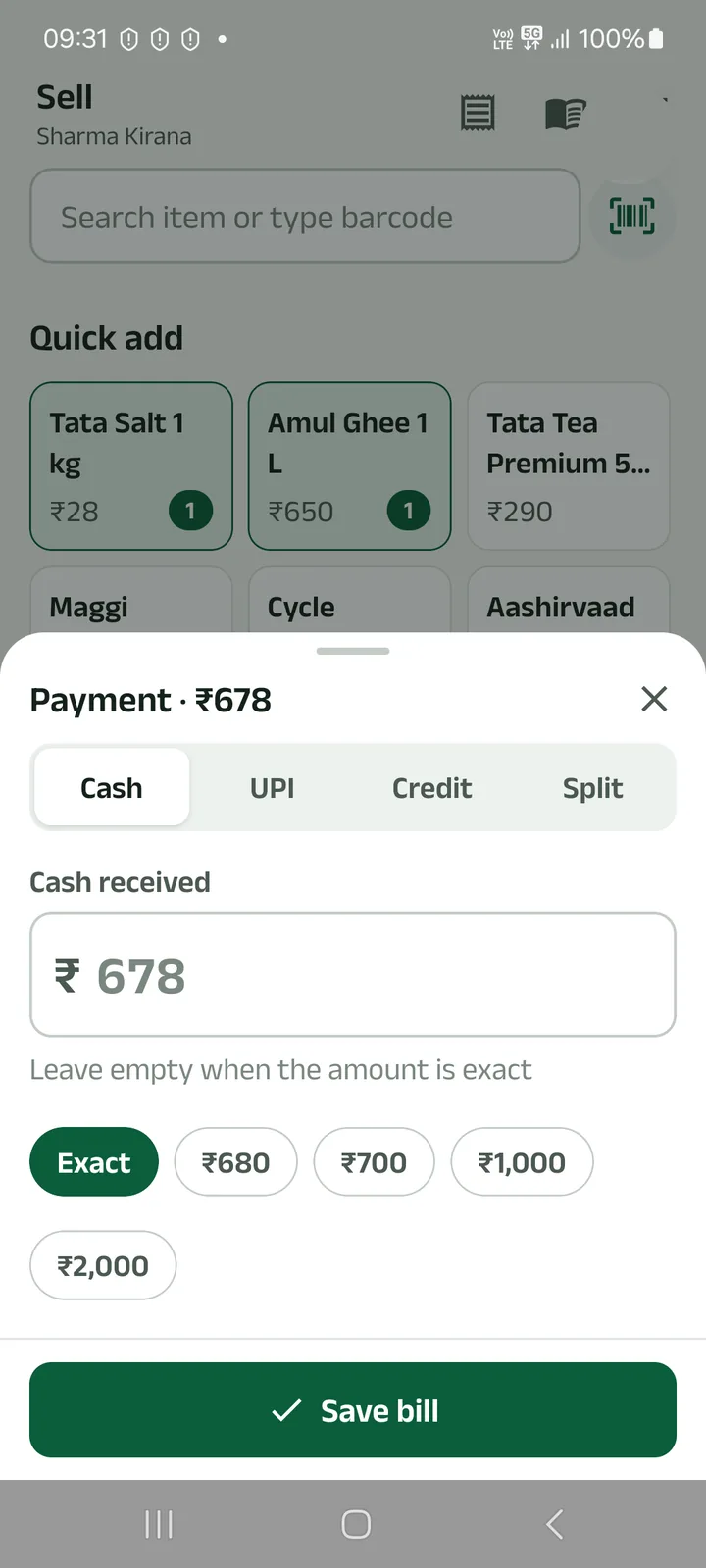
Step 4: Take the payment
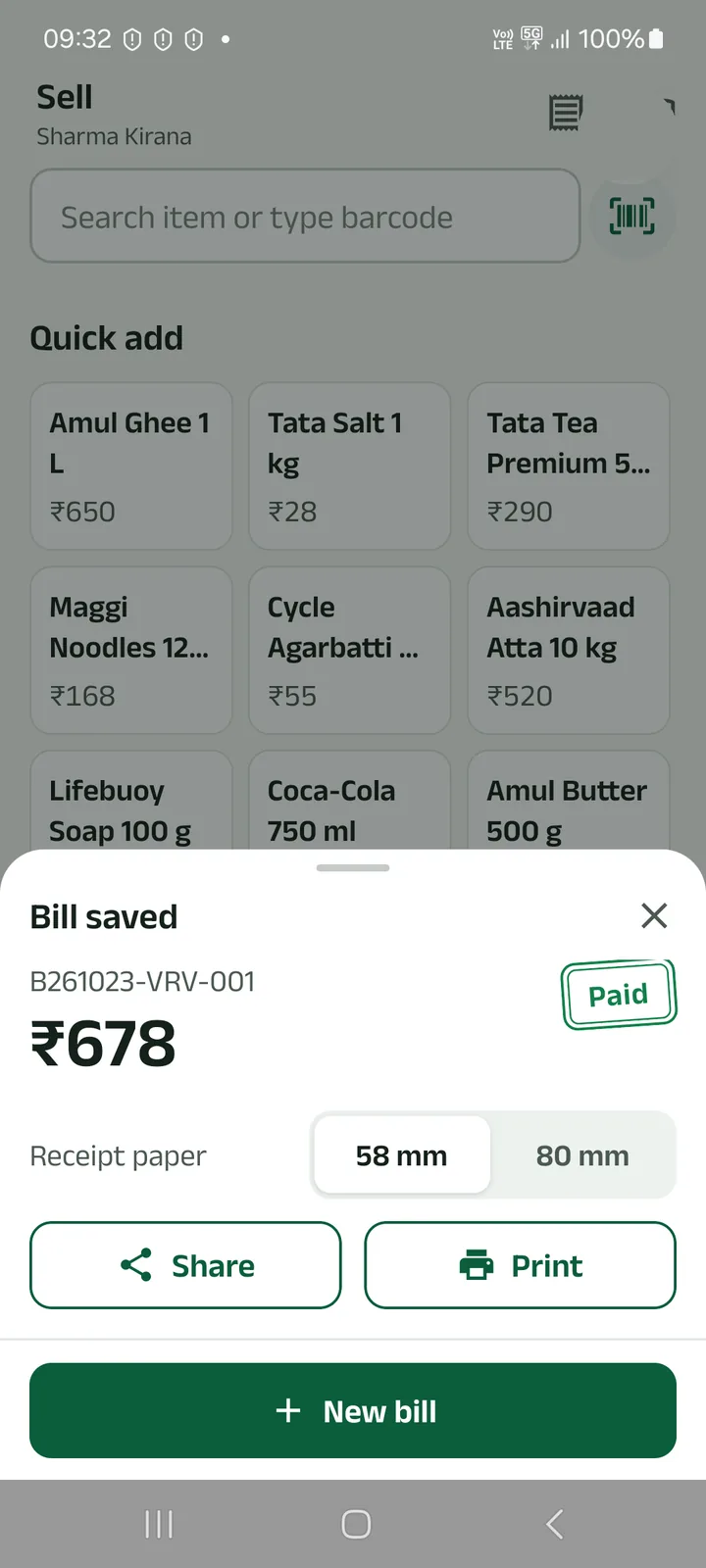
Cash, UPI (the customer scans your QR), Credit to the customer’s khata, or Split. For cash, type what you received and the app shows the change. Tap Save bill.
Step 5: Print or share the receipt
Pick 58 mm or 80 mm paper, then Print. Android’s print dialog opens; choose your printer. Or tap Share.
For a Bluetooth thermal printer, install its print service app so it appears in the print dialog. Billing works without internet.
Prefer to watch?
Bill at the counter, take cash, UPI or credit, and print a 58 or 80 mm receipt or share it.
Next tutorials
Get started
Pick your language, sign in with your mobile number and set up your business in four short steps.
Add a product
Add a product with its name in your language, a category, GST, opening stock and a low-stock alert.
Record a payment
Got cash, a cheque, UPI or a bank transfer from a party? Record it and the shared khata updates.
Try it in the app
Everything above works the same on your phone.